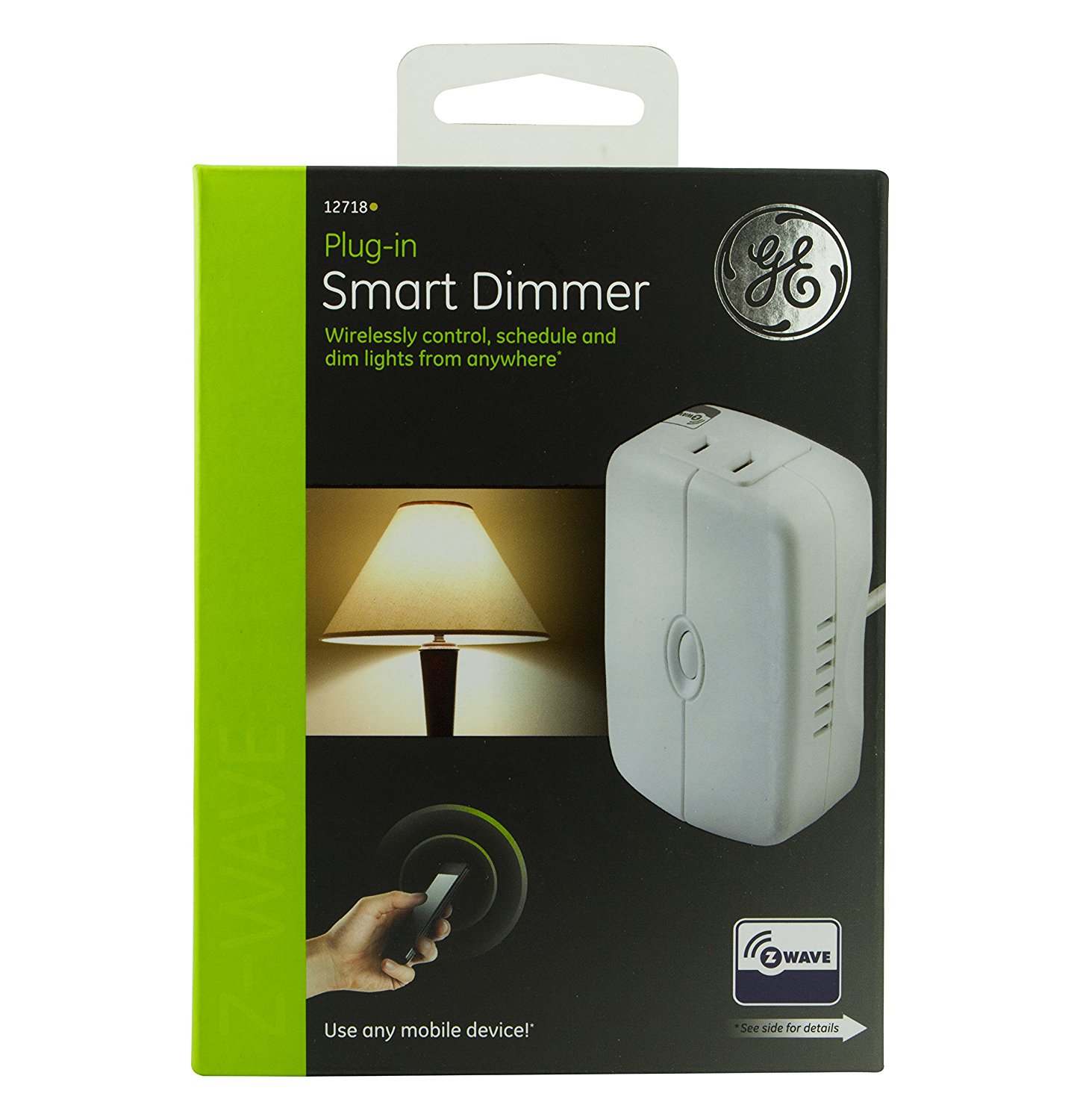
Jasco smart plugin module
GE Z-Wave Wireless Smart Lighting Control Lamp Module, Dimmer, Plug-In, White, Works with Amazon Alexa, 12718
Specification
- Power 120VAC, 60Hz
- Maximum Load for both outlet 15A, 1800W resistive
- Maximum load for the Z-Wave controlled outlet: 2.5A; 300W Incandescent or 100W Dimmable CFL/LED
- Up to 100 feet line of sight between the Wireless Controller and the closest Z-Wave receiver module.
- Operating Temperature Range: 32–104° F (0–40° C)
- Indoor use only
Inclusion/Exclusion to/from a network
- Put controller to Inclusion/Exclusion mode
- Press program button once to reset device. Device will be included/excluded to/from zwave network.
Configuration description
- Number of dim steps when receiving zwave command
- Parameter: 7 (0x07)
- Size: 1 byte
- Value:
- 1 ~ 99: number of steps
- Default: 1
- Timming of dim steps when receiving zwave command
- Parameter: 8 (0x08)
- Size: 2 byte
- Value:
- 1 ~ 255: number of steps
- Default: 3
- Number of dim steps when manual control
- Parameter: 9 (0x09)
- Size: 1 byte
- Value:
- 1 ~ 99: number of steps
- Default: 1
- Timming of dim steps when manual control
- Parameter: 10 (0x0A)
- Size: 2 byte
- Value:
- 1 ~ 255: number of steps
- Default: 3
- Number of dim steps when all-on/all-off command
- Parameter: 11 (0x0B)
- Size: 1 byte
- Value:
- 1 ~ 99: number of steps
- Default: 1
- Timming of dim steps when all-on/all-off command
- Parameter: 12 (0x0C)
- Size: 2 byte
- Value:
- 1 ~ 255: number of steps
- Default: 3
- Load sensing
- Parameter: 29 (0x1D)
- Size: 1 byte
- Value:
- 0 = Disable feature
1 = Enable feature
- Default: 0