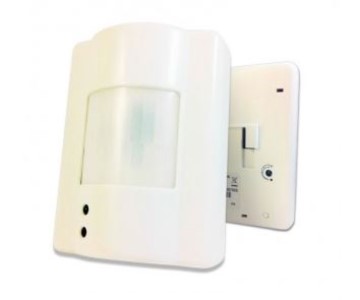
Smartenit Zigbee 1019C Motion Sensor
Working with PhD
- Monitor Smartenit Motion Sensor and other connected devices with the Zinno app available on iOS&Android
- Receive alerts from PhD if the Smartenit Motion Sensor detects movement
- Associate Smartenit Motion Sensor with other smart devices in Zinno App, and set them to turn on or off when sensor detects movement
Add Aeotec 6-in-1 Motion Sensor to PhD’s network
- On the Zinno app, press Left Menu Bar, then select “Devices”
- Select “+” button to put the PhD in inclusion mode, keep the sensor close to PhD within 10 feet (3 meters)
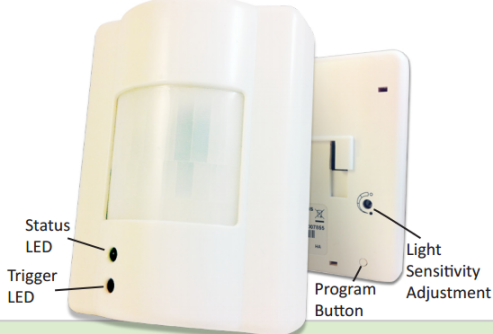
- Press Program Button on the sensor while plugging 12V DC or 2 x CR123A batteries, then release Program Button when LED flashes rapidly
- If detecting a new device successfully, PhD will announce “The device is being added” and begin the adding process
- If adding the sensor successfully, PhD will announce “Adding Smartenit Motion Sensor success” and on Zinno app will display the dialog boxes that indicate user has added device successfully
Specification
- Model number: 1019C
- Power source: 12V DC, Battery
- Battery type: x2 CR123A batteries
- Protocol: Zigbee
- Dimension: 5.5 x 6.25 x 2.5 inches
- Weight: 0.7 pounds
- Color: White